Work orders and scheduling
Create, assign, prioritise and track work from one scheduler.

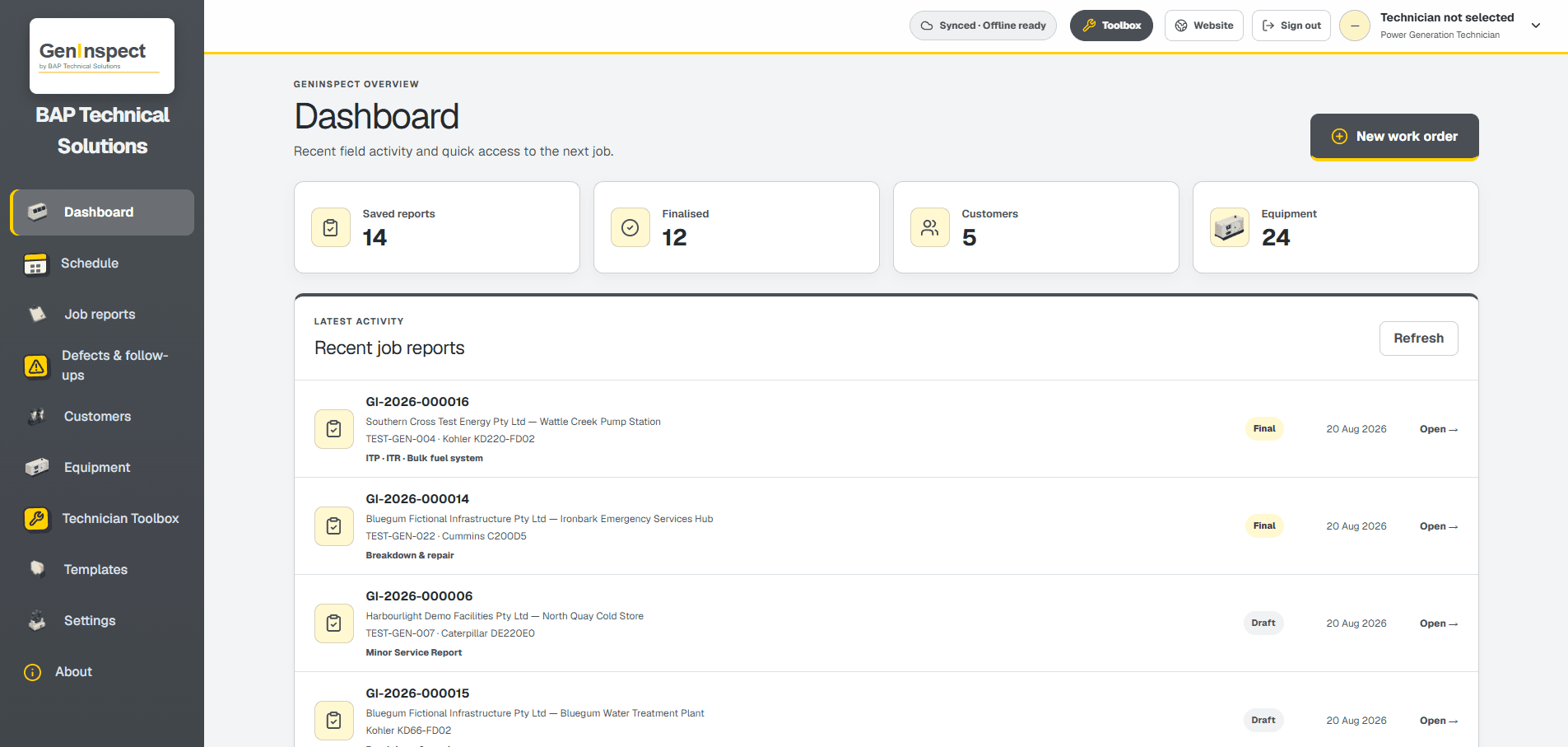
From scheduling and equipment history to field evidence, findings and the finished report, GenInspect keeps the record connected.
Create, assign, prioritise and track work from one scheduler.
Assigned jobs, machine history, structured reports, photos and final sign-off.
Supported work, report data and attachments can remain on the device during poor reception and synchronise later.
Add GenInspect from its approved app address without an app-store download or app-store account.
Multiple sites, detailed machine data and actual-unit photographs.
Major, minor, breakdown, electrical, load, commissioning, fuel and hire records.
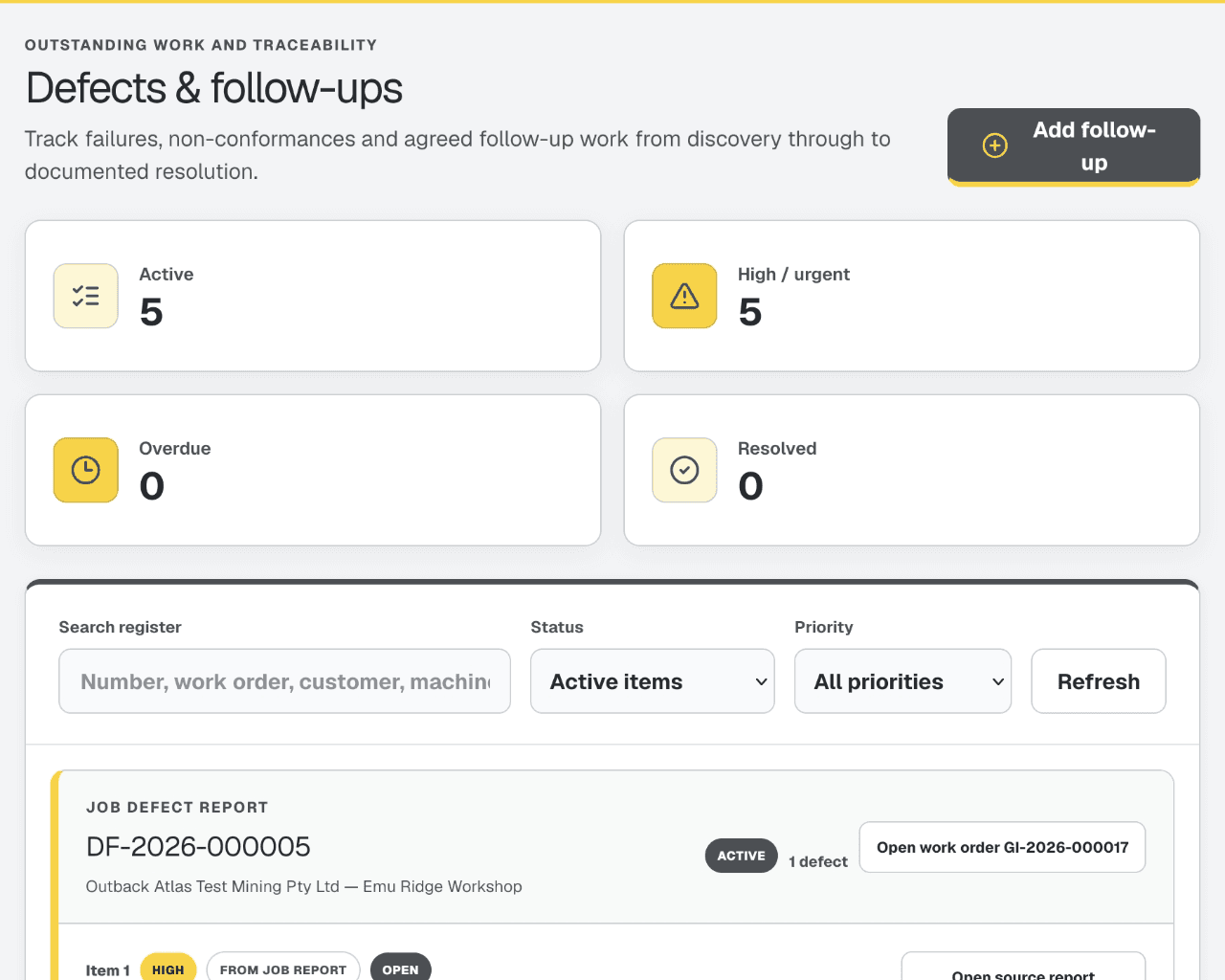
Keep explicit defects, source reports and follow-up work connected.
Use practical power-generation calculations inside GenInspect, with a separate mobile companion now in development.
Produce professional A4 output with result colours, branding and page continuity.
GenInspect allocates an immutable GI-YYYY-###### work-order number. Calendar chips show the customer name, while the work-order number remains available in the job detail.
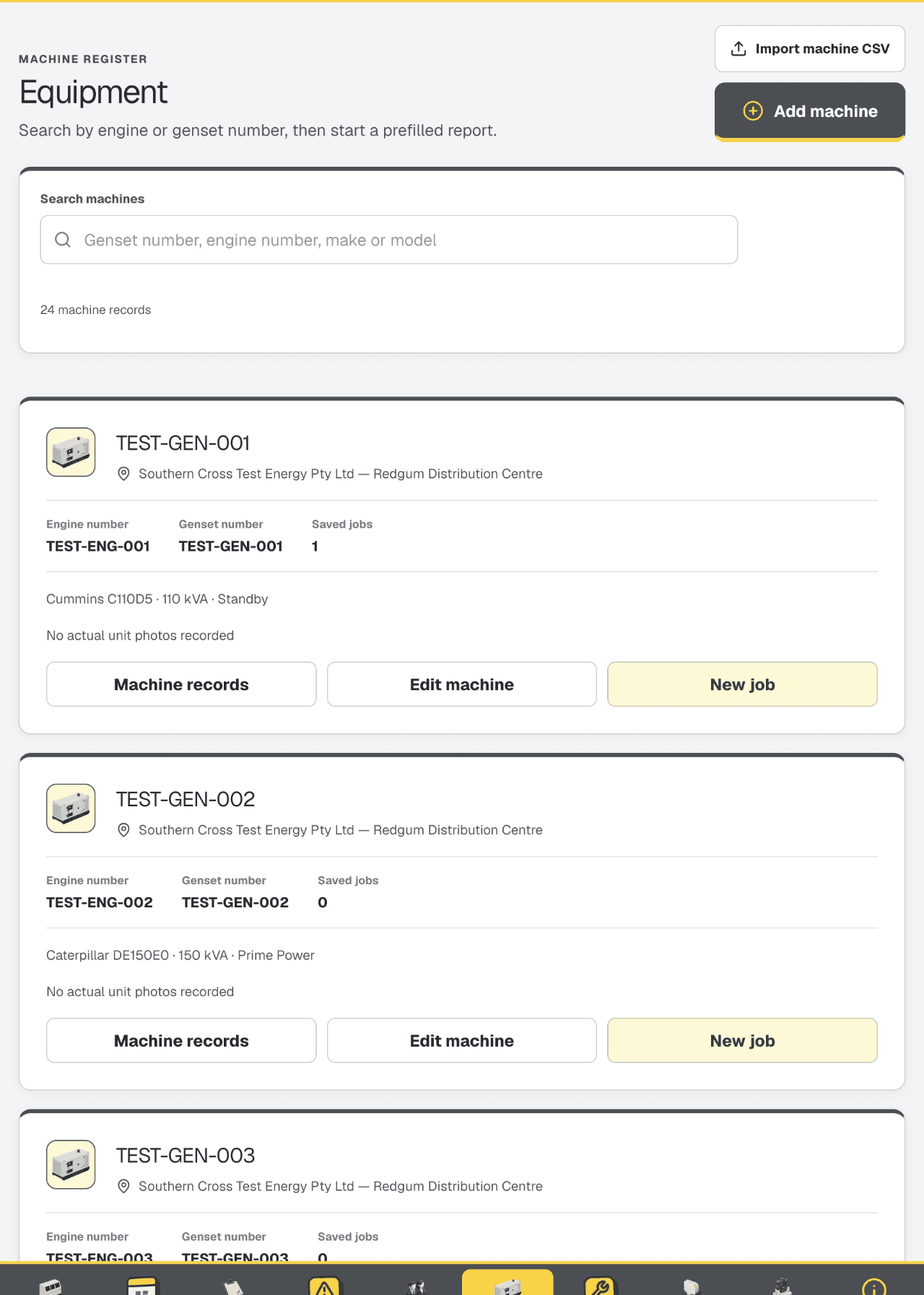
Each customer can hold multiple sites. The Add Machine action carries the selected customer—and the sole site where applicable—into the equipment editor.
Major and Minor Service Reports are distinct choices. Specialist reports add their own required evidence and use one consolidated final sign-off across the package.
Full service selection with maintenance checks, service items, readings and finalisation.
A distinct reduced service selection with major-service change items excluded.
Reported fault, diagnosis, actions, result, parts and outstanding work.
Scope, methods, measurements, criteria, RCD evidence and electrician sign-off.
Electrical and engine operating data with running observations.
Load stages, dynamic events, temperatures, electrical readings and acceptance reference.
Tanks, pumps, pipework, gauges and fuel-laundering records.
Customer-scoped fields, hold points, witness points and matching result records.
Linked condition baseline, electrical release, evidence and Supervisor / Leading Hand sign-off.
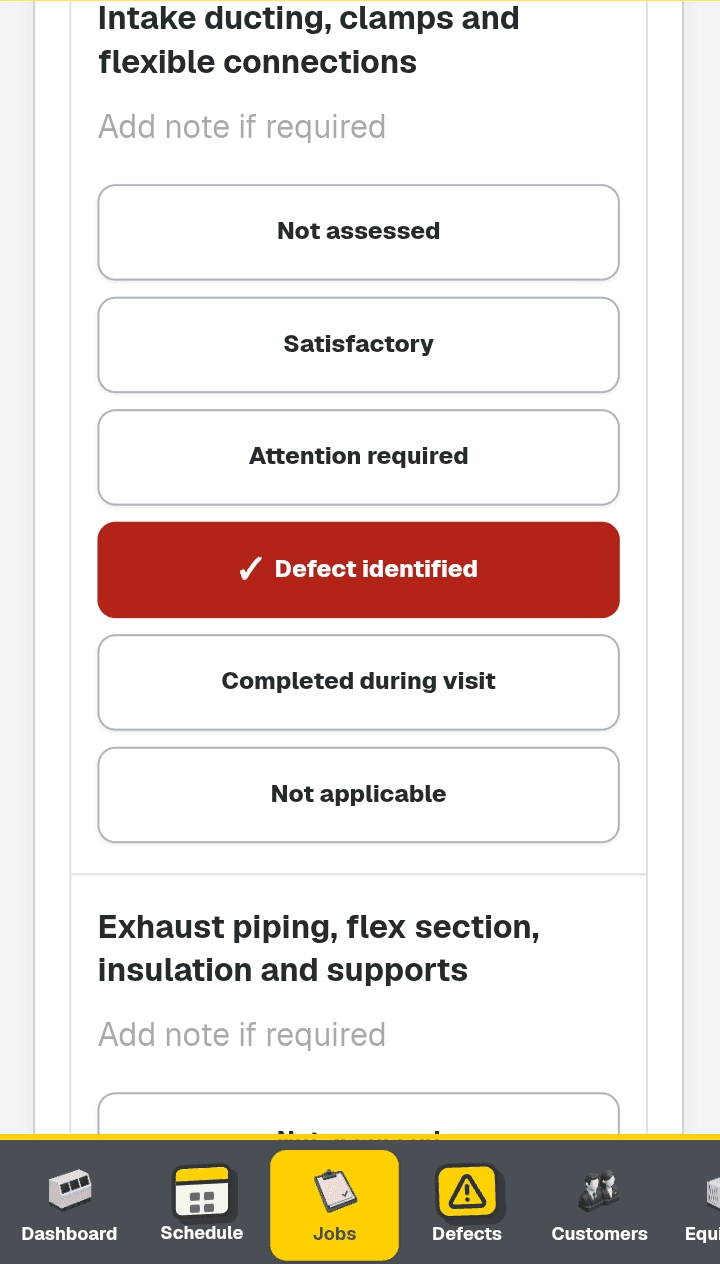
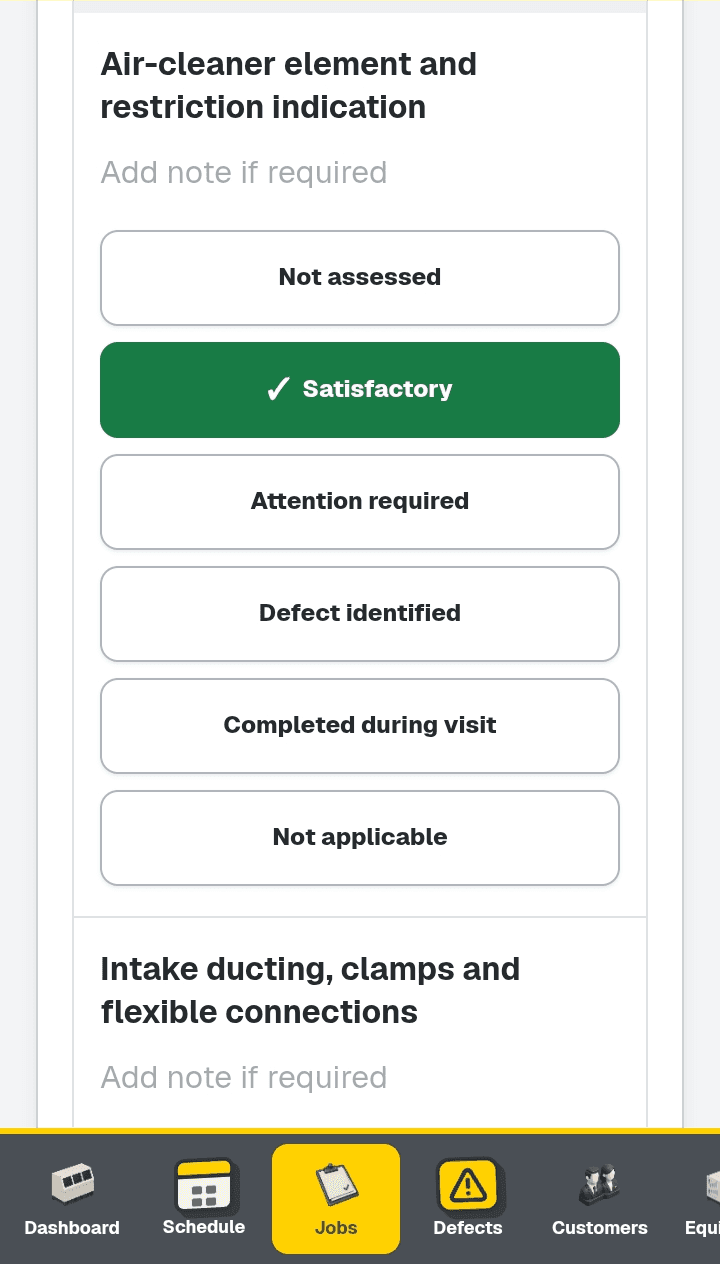
Inspection items are larger, selected states show a visible tick, touch targets are field-sized and operational colours distinguish satisfactory, attention, defect, not-assessed and not-applicable results.
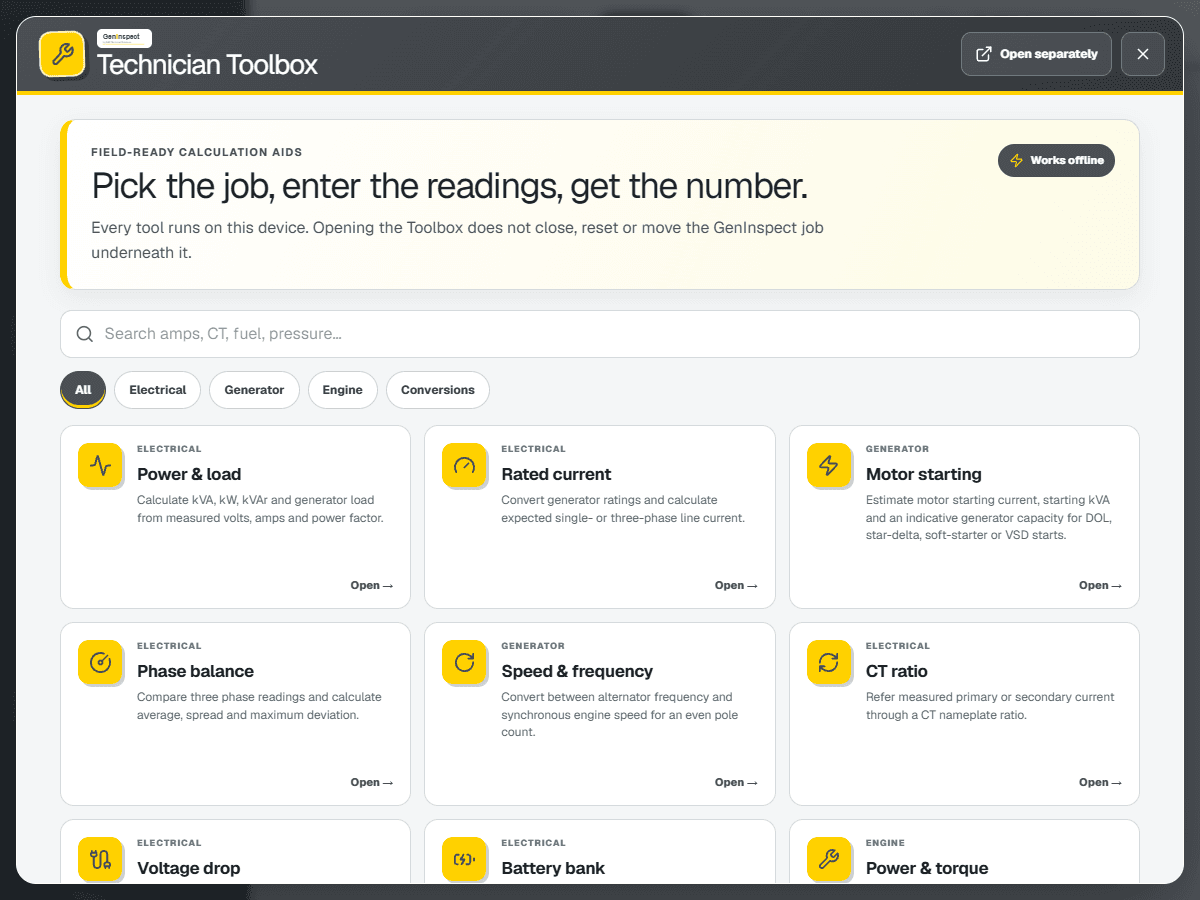
The current Toolbox remains inside GenInspect. A separate iPhone and Android companion is in development, with Pro access planned at no additional charge for named users on a standard GenInspect subscription when it launches.
Companion app in development
Only an inspection item explicitly marked Defect identified creates an automatic Defect Register item. Attention required, follow-up text, breakdown outcomes, battery condition and load-test recommendations do not create automatic defects.
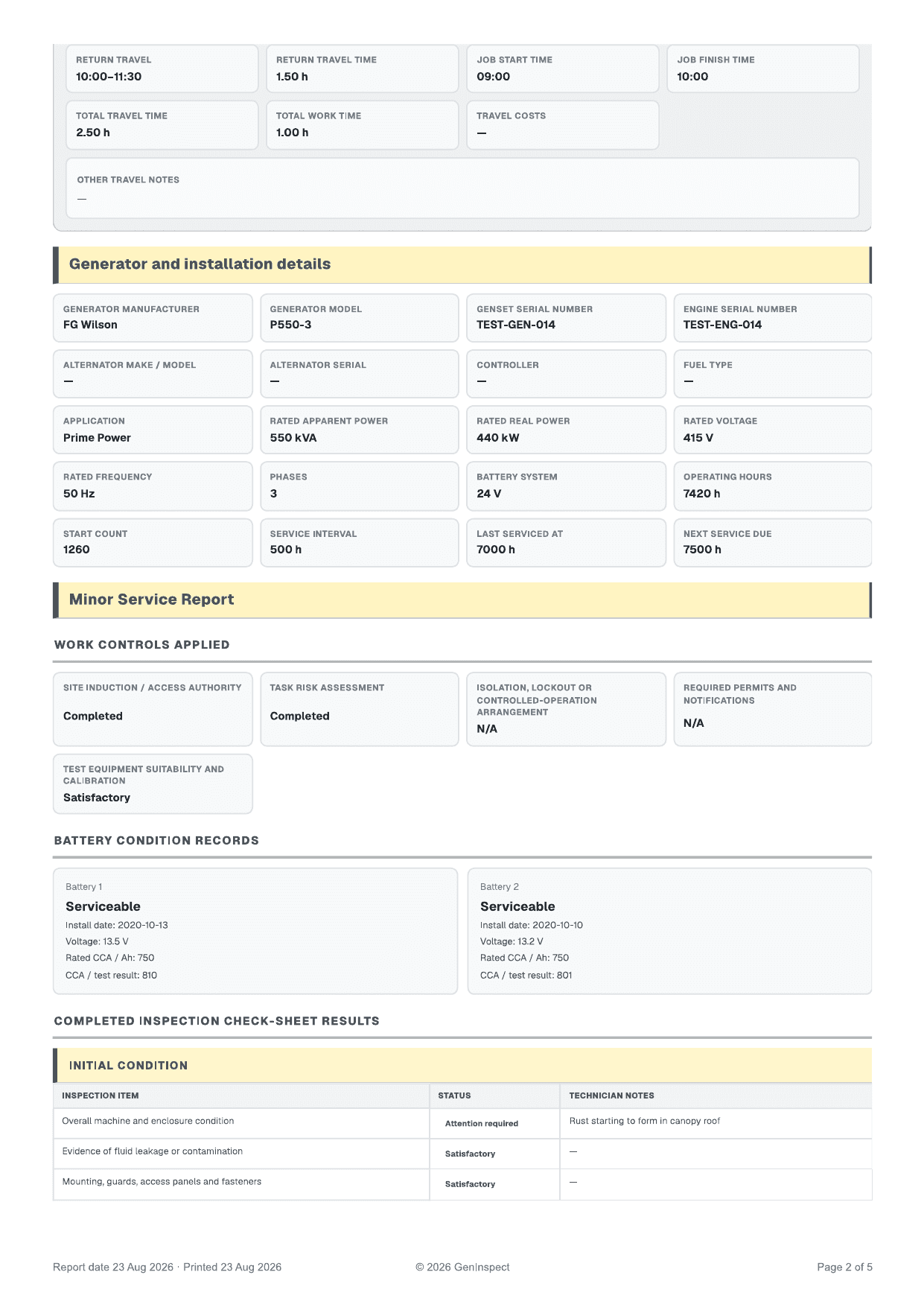
Each selected machine keeps its own report data. Report-only printing excludes the application shell, while finalised records retain the applicable technician, representative, electrician and witness evidence.
GenInspect is supplied as one browser-installed web app for Android, iPad, iPhone and desktop. There is no app-store download or app-store account, while each authorised person still uses their own named GenInspect account.
First-time access, sign-in and account functions require an internet connection.
GenInspect keeps the whole generator job together instead of splitting the work across unrelated forms, photographs and spreadsheets.
The next step stays clear on phone, tablet or desktop. Inspection outcomes are easy to recognise, readings stay with the correct report and information already recorded carries forward through the job.
Scheduled work, active jobs, equipment history, open defects and completed reports remain connected to the same customer, site and machine.
GenInspect supports maintenance, breakdown, electrical, operating-reading, load-test, commissioning, fuel-system and hire-condition records. Each selected machine keeps its own technical evidence and report data.
Observations, attention items, explicit defects, recommendations and completed repairs remain distinguishable. Follow-up work keeps its link to the source job and equipment record.
Technicians can continue recording work when reception is unreliable, then synchronise later. Keep required records and safe-work processes in place.
Each person must use their own named account. Shared sign-in details are not permitted under the subscription and acceptable-use terms.